Awarded

Domestic Abuse Fund
Grants for organisations delivering specialist domestic abuse services.


If you have questions, your Grants Manager is your first point of contact. Their details can be found in your grant offer letter. You can also contact us through our website. We’re here to support you throughout your grant period.
Awarded
Grants for organisations delivering specialist domestic abuse services.
Awarded

Investing in home-based early years support.
Awarded

Supporting organisations working with young people.
Find out more
Find out more
View
View
View
View
View
View
View
Log in to my account

Yes. You can create an account using Single Sign On, a Google account, an Apple account or an email.
No. Your account is linked to the email option or your single sign-on. So if you cannot see your application, check if you have used the same way to sign in and the same email.
Contact us for more information.
If you applied before January 2025, you must create a new account in our online portal. You can use Single Sign On, a Google or Apple account, or an email. We recommend you use an organisation-wide email instead of an account tied to your email.
Other funders use the same platform so if you have an account for “Blackbaud Your Cause: Grant Connect”, you do not have to create a new account.
Your online portal account contains all your submitted reports and applications, which you can access at any time.
If you submitted your report or application in the old Henry Smith Foundation portal, you will not have access to your documents after August 2025. If you want to save information from the old portal, please log in and email applications and reports to yourself before 30th August 2025. You can email the forms by clicking the email icon next to the form title.
All our applicants and partners have an account to protect your information and let us request more details and updates as agreed.
You can download a Word version of the questions to work on an application or report offline before filling in the form online. You can also invite a colleague to engage with a form in the portal by clicking “Manage Applicants” in the top right corner of the form.
How you can retrieve the password will depend on how you log in. For example, if you log in using a Google account, follow the steps to recover your Google passwords, etc. Please look at this page for more tips on troubleshooting any login issues or contact us.
No unless stated on programme guidelines or agreed with a colleague at the Henry Smith Foundation. We ask that you submit applications through the online portal, you can download a sample of the application form on the website to help work on your answers offline.
No, the application is saved automatically as you work so you can return later.
Some browsers will assume that you are sending information to an American organisation. To change this, change your browser’s settings to UK English.
After you submit a form, you will get an email to confirm. The email will have a reference number for your application. Also in your account, under “applications,” you can see the date it was submitted. You can also find a PDF version of the form, which we recommend you download and save for your records.
If you haven’t heard from us within seven working days after submitting your application, please contact us.
No, you cannot edited after submission. If you wish to withdraw, resubmit or add information you need to contact us.
Yes. Click here to get a complete step-by-step guide.
We add your report forms to your account one month before your report due date. We will email you when it is added.
The account owner can transfer ownership of the entire grant or a single form, like a report. You do this by clicking “Manage Applicants” in the top right corner of the form.
If you can not access the account, please contact us.

Sign up here
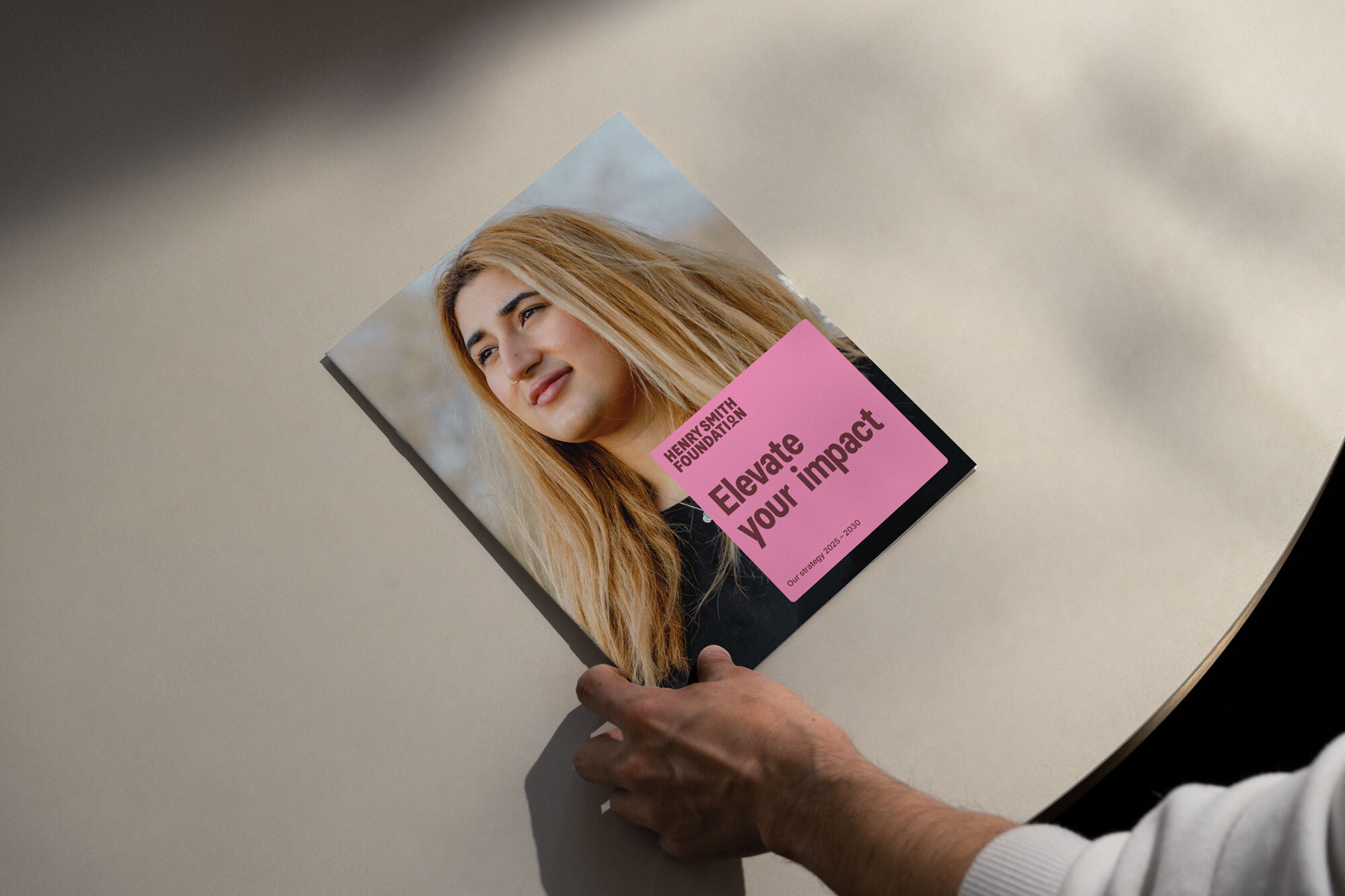
Elevate your impact
Suggestions